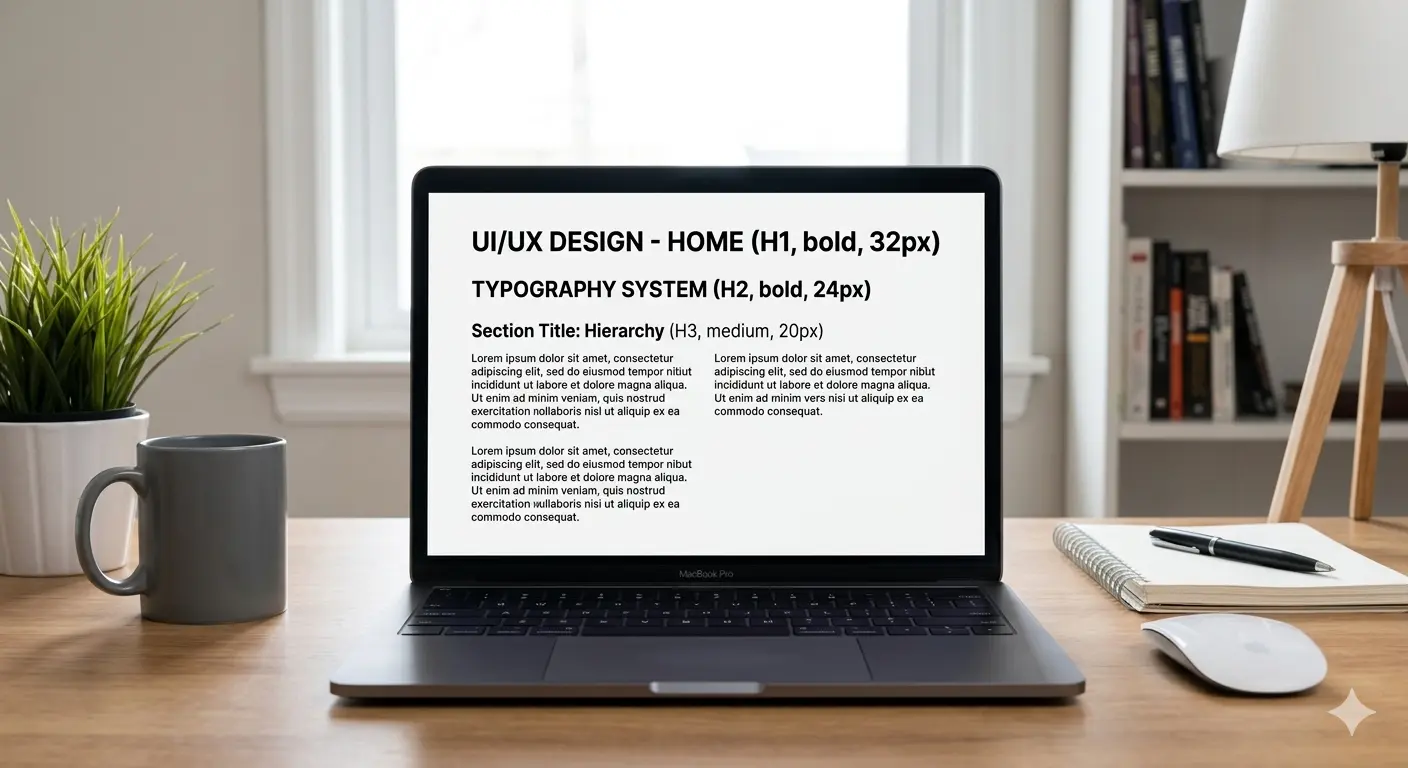
Understanding Font Weights and Visual Hierarchy
Master the art of guiding the user's eye using typography size, weight, and spatial alignment.
In the realm of UI/UX design, visual hierarchy is the absolute structural foundation of a successful interface. It is the invisible force that subconsciously dictates exactly where a user looks first, second, and third. While color theory and layout play vital roles, the most effective tool for establishing this hierarchy is masterful typography—specifically, the deliberate manipulation of font weights and sizes.
The fundamental rule of typographic hierarchy is contrast. If everything on the screen is bold, then nothing is bold. You must create distinct, undeniable differences between your H1 titles, H2 section headers, and paragraph body text. For example, pairing a massive 64px Extra-Bold (800) headline with a highly legible 18px Regular (400) body font instantly tells the user's brain what the core message is, and where the supporting details live.
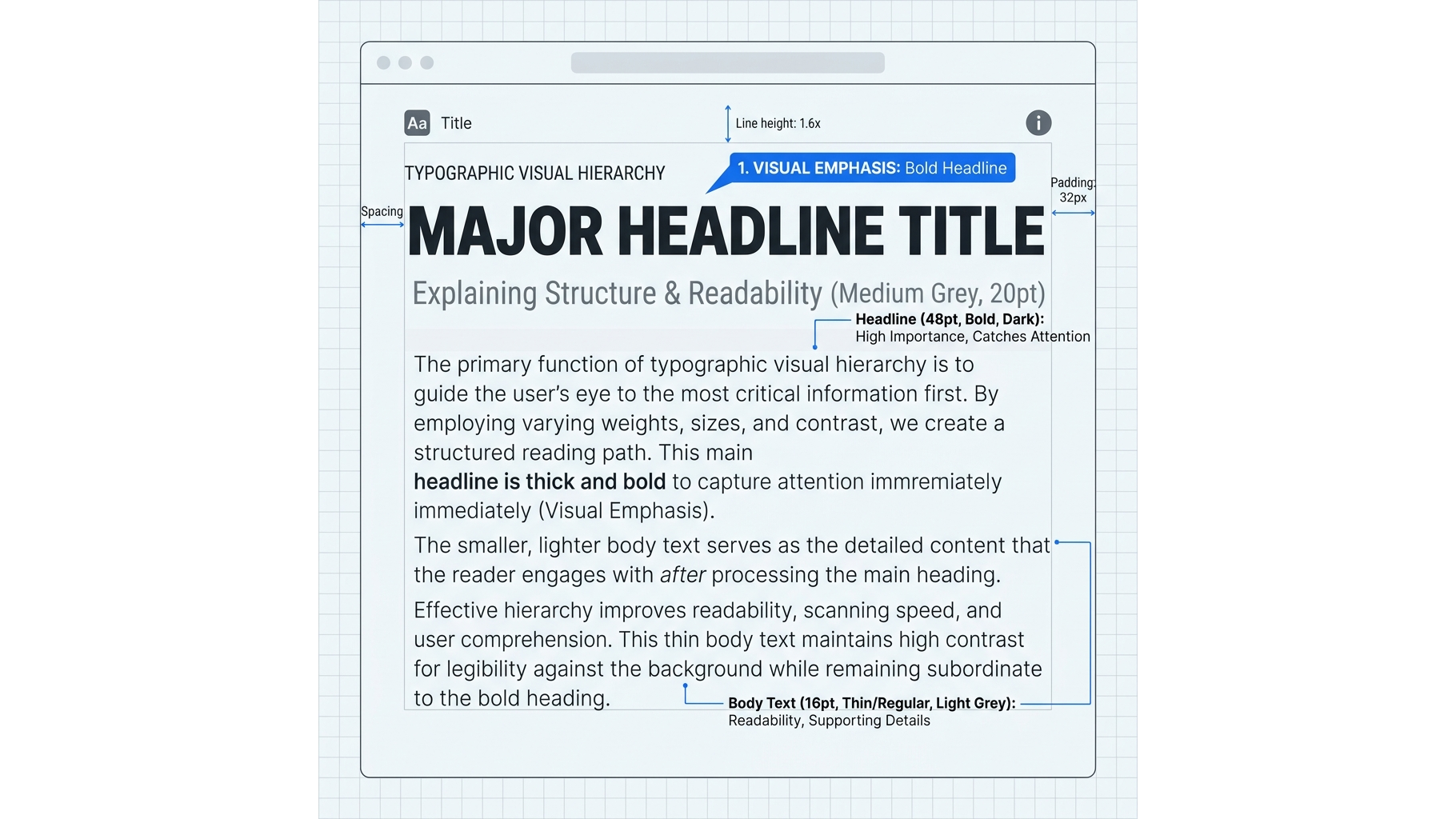
Instead of relying on different font families, try building your entire interface using a single, robust "super-family" like Montserrat or Work Sans. These comprehensive typefaces offer up to 9 different weights (from Hairline 100 to Black 900). By utilizing extreme weight skips—such as jumping from Light (300) directly to Bold (700)—you create a striking, modern aesthetic that is incredibly easy to scan.
Remember, whitespace is your best friend when dealing with heavy typography. Ensure your line-height scales logarithmically; large headlines require tighter line spacing, while smaller body text requires generous line spacing to prevent visual fatigue.
📦 Download the Designer Asset Pack
Enjoyed the resources in this article? Enter your email to unlock my private vault of free premium UI templates, custom vector assets, and typography configurations delivered straight to your inbox.
Continue Reading
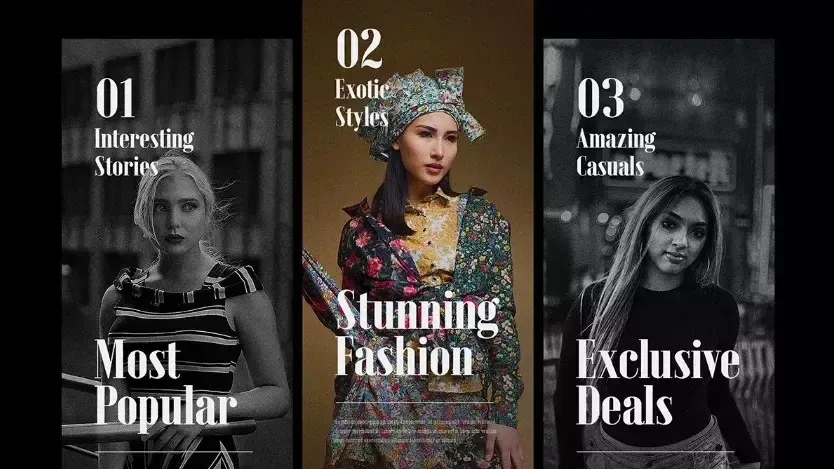
Best 5 free fonts - 1
A curated collection of 5 premium free fonts including Loki, Colus, Red Hat, Emberly, and Saint George Stencil.
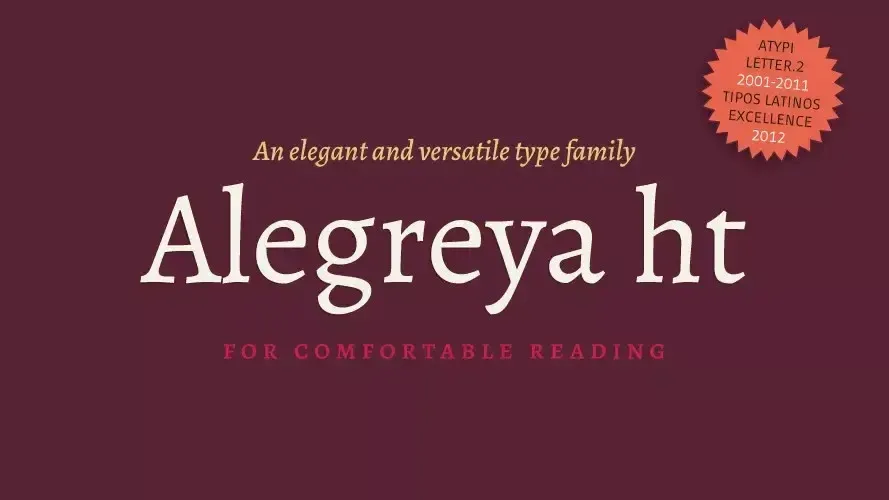
Best 5 free fonts - 2
Looking to design your own book cover? Alegreya is an award-winning typeface crafted for book design.
Best 5 free fonts - 3
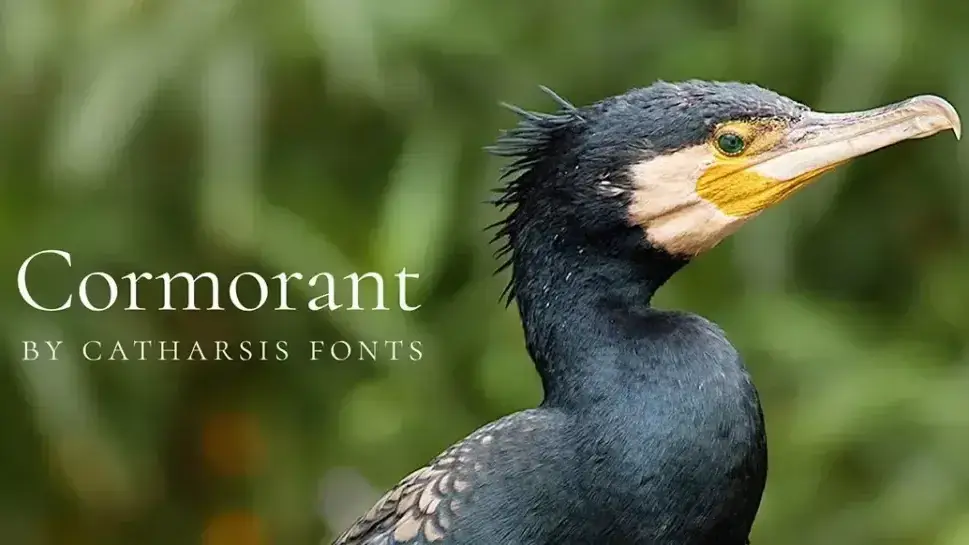
Cormorant is one of the most elegantly formal open source display fonts with 45 font files spanning nine styles.