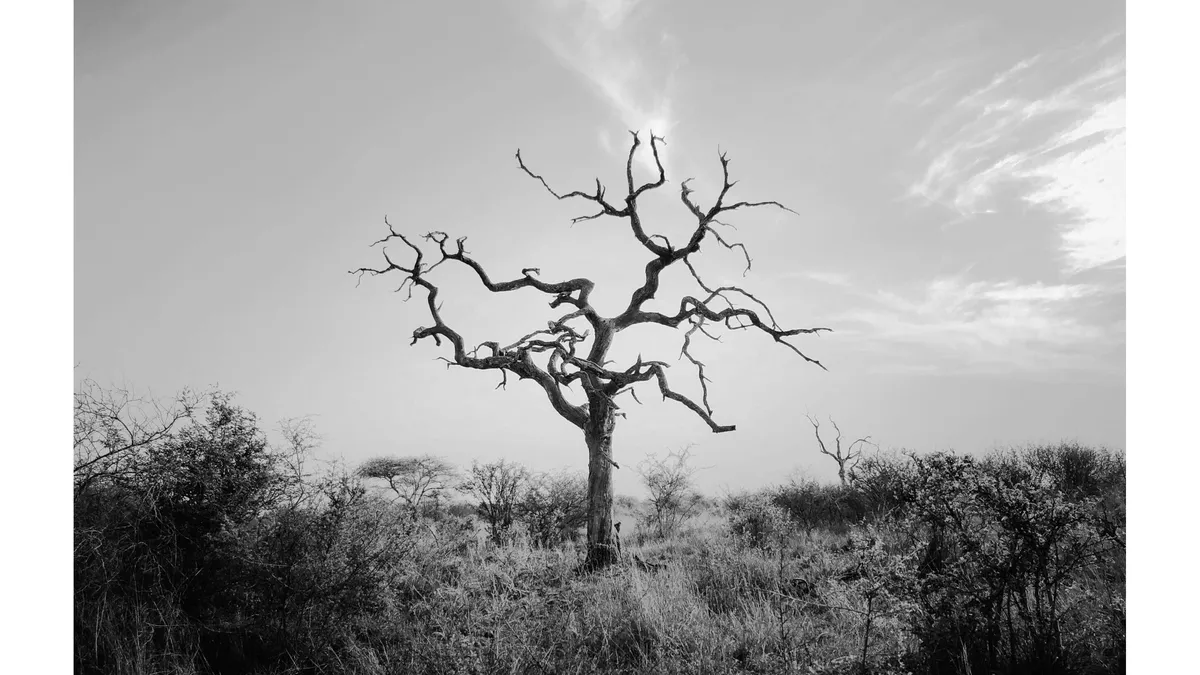
Mastering Black and White Photography: Camera Settings Tips
To capture stunning monochrome images, use these tips for getting the best results when shooting black and white photos: By following these tips and experimenting with different camera settings, you can capture beautiful black and white photos that will stand the test of time.
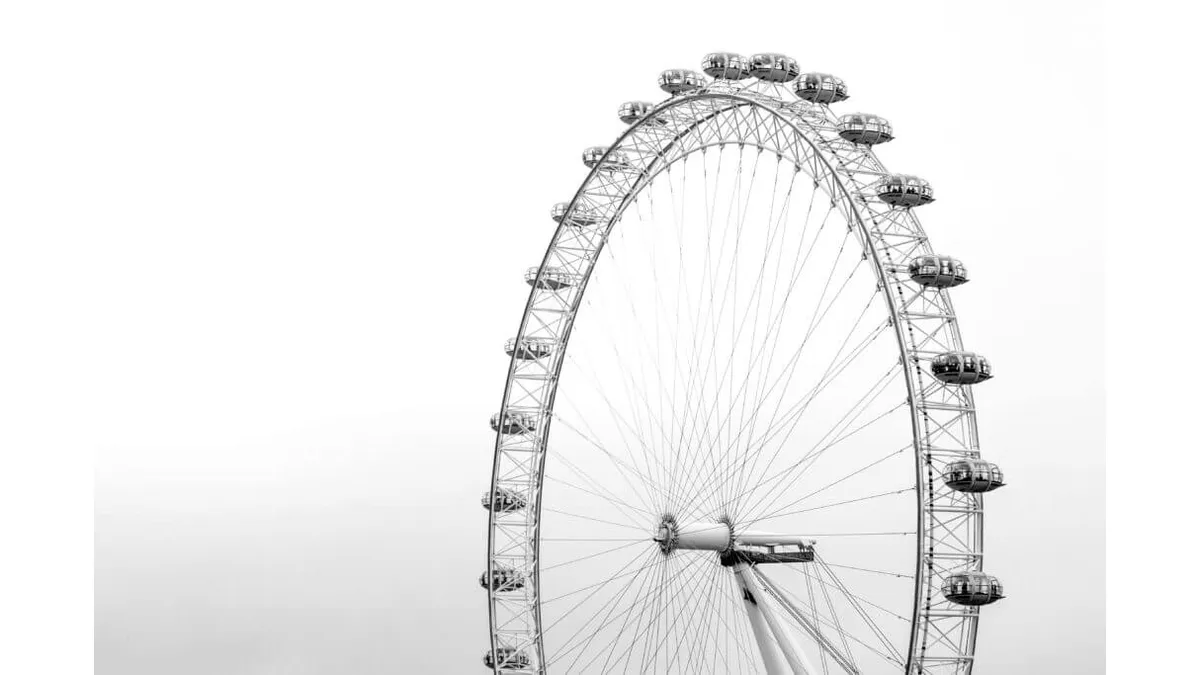
To capture stunning monochrome images, use these tips for getting the best results when shooting black and white photos:
- Use manual mode to have full control over the camera’s settings and adjust the aperture, shutter speed, and ISO for the desired exposure and contrast.
- Set the white balance to “daylight” or “cloudy” for the most natural-looking black and white tones.
- Adjust the aperture to a wide setting (such as f/1.8 or f/2.8) for a shallow depth of field and to draw attention to a specific part of the image.
- Use a low ISO (such as 100 or 200) for the best quality black and white photos.
- Experiment with different shutter speeds to create a sense of movement or freeze action.
- Use filters to adjust the contrast and tonality of the image, such as neutral density filters to reduce light or polarizing filters to reduce reflections and increase contrast.
- Use post-processing software like Adobe Lightroom or Photoshop to fine-tune the look of your images and bring out the best in your shots.
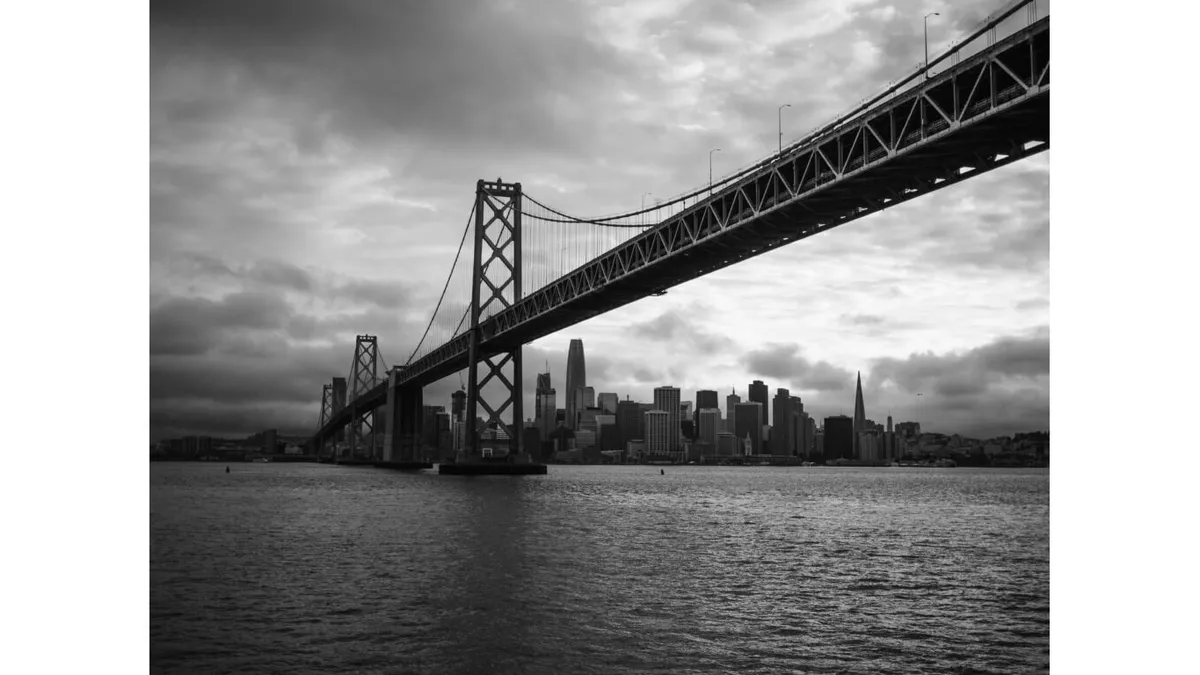
By following these tips and experimenting with different camera settings, you can capture beautiful black and white photos that will stand the test of time.
Related Articles

Mastering Black and White Photography: Camera Settings
To capture stunning monochrome images, use these tips for getting the best results when shooting black and white photos.

Modern Minimalist Web Design Trends
Explore how clean workspaces and distraction-free UI/UX wireframes are shaping the future of web design.

How to Create Stunning Social Media Graphics
Actionable strategies for designing viral, high-engagement visual content for Instagram, X, and LinkedIn.